hop
A tiny redirector that makes custom-protocol links clickable anywhere. One hop, no tracking.
README
Open on GitHub ↗hop
Keep custom-protocol links clickable — one hop, no tracking.

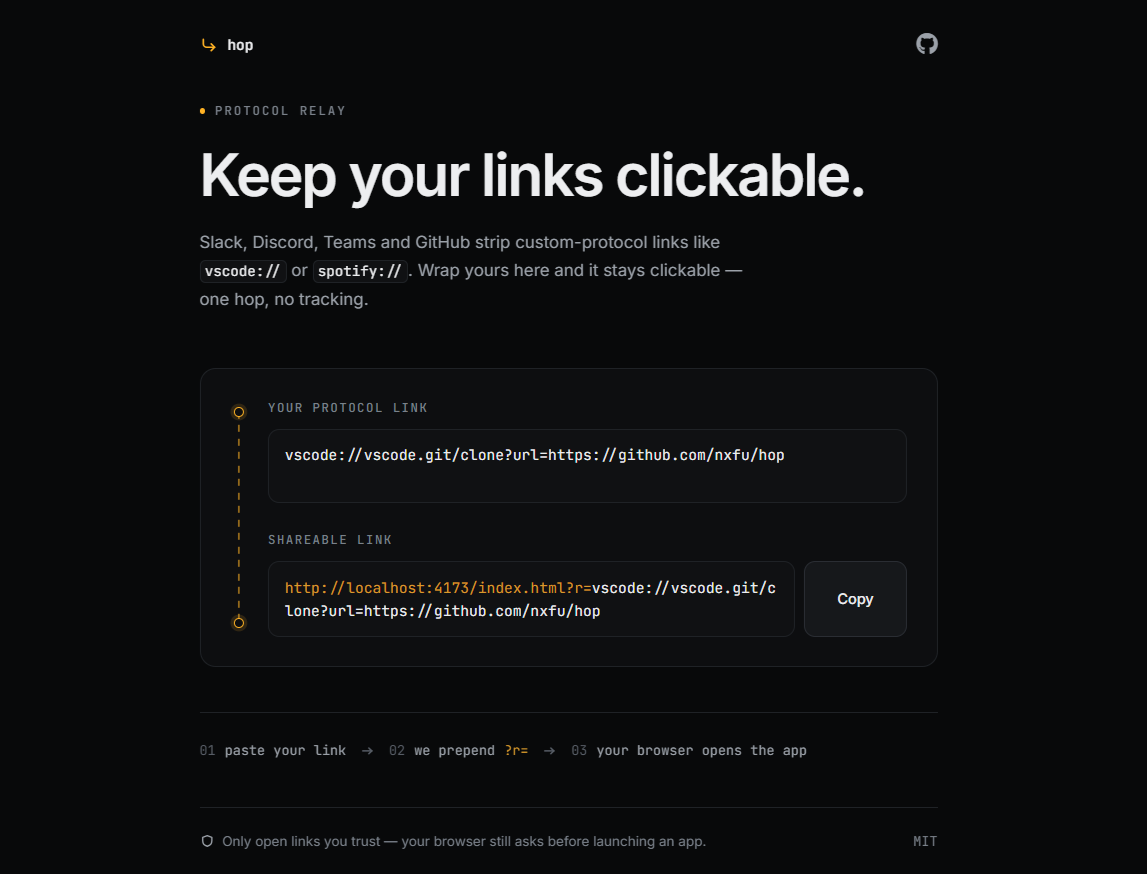
hop is a tiny, zero-dependency static redirector. Send a link through it
and it forwards straight to your custom protocol — the vscode://,spotify://, tel: kind of link that Slack, Discord, Teams and GitHub
quietly strip out.
https://hop.gaury.dev/?r=<your-protocol-link>
Build links visually at hop.gaury.dev — paste a
protocol link, copy the wrapped one. No account, no analytics, no nonsense.
Why
Most chat and collaboration tools refuse to render links with a custom
protocol, so they end up as dead, unclickable text. hop wraps them in a
plain https:// link that every app is happy to show — and the browser
bounces you onward the moment it loads.
Reach for it when you want to:
- send your team a
vscode://deep link straight to a repo, file or extension - share a
spotify://track or playlist that people can open directly in the app - turn a
tel:phone number into a clickable link anyone can tap to call - wrap any custom-scheme URL so it works everywhere
How it works
- Paste your protocol link into the composer.
hopwraps it ashttps://hop.gaury.dev/?r=<your-link>.- The recipient opens the link and the browser forwards to the app.
That's the whole thing — a single static page and a few lines of JavaScript.
Example
The Remote Repositories
extension for VS Code opens repos via a vscode:// link. On its own that
scheme is unclickable in most chat tools:
vscode://ms-vscode.remote-repositories/open?url=https://github.com/owner/repo
Wrap it with hop and it becomes a normal, shareable link:
Security
Opening apps from the web is powerful, so hop refuses to forward schemes
that could run code in the page itself — javascript:, data:, vbscript:,blob: and file: are all blocked. Everything else is passed through
untouched.
A link is still just a link: only open ones you trust. Your browser will
always ask before it launches an app.
Self-host
hop is a single static file — index.html — with no build
step and no dependencies. Drop it on any static host (Cloudflare Pages,
GitHub Pages, GitLab Pages, Netlify …) and point your domain at it. The composer builds links against
whatever origin it's loaded from, so no configuration is needed.

License
MIT © 2026 nxfu