Vidsaver
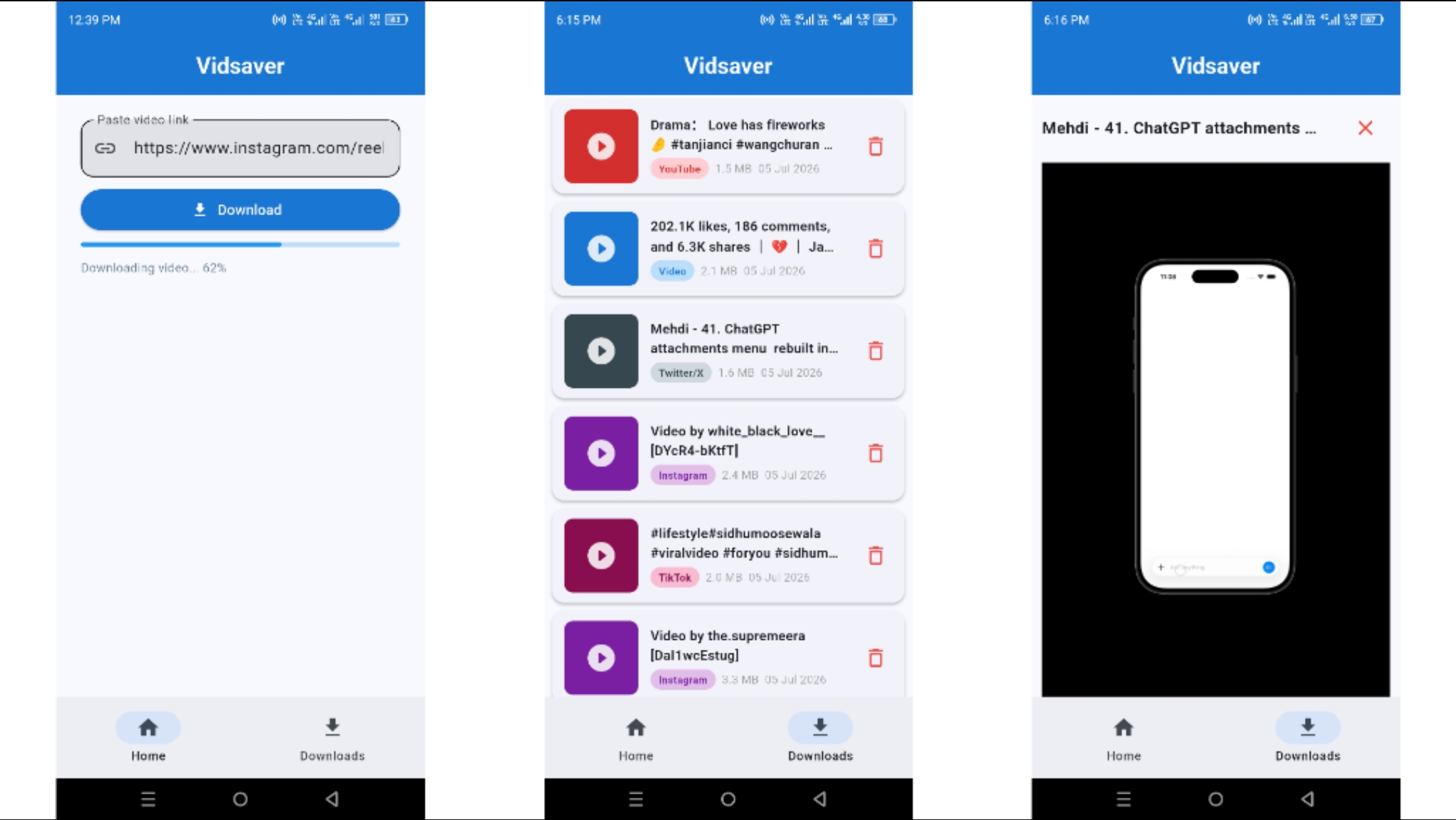
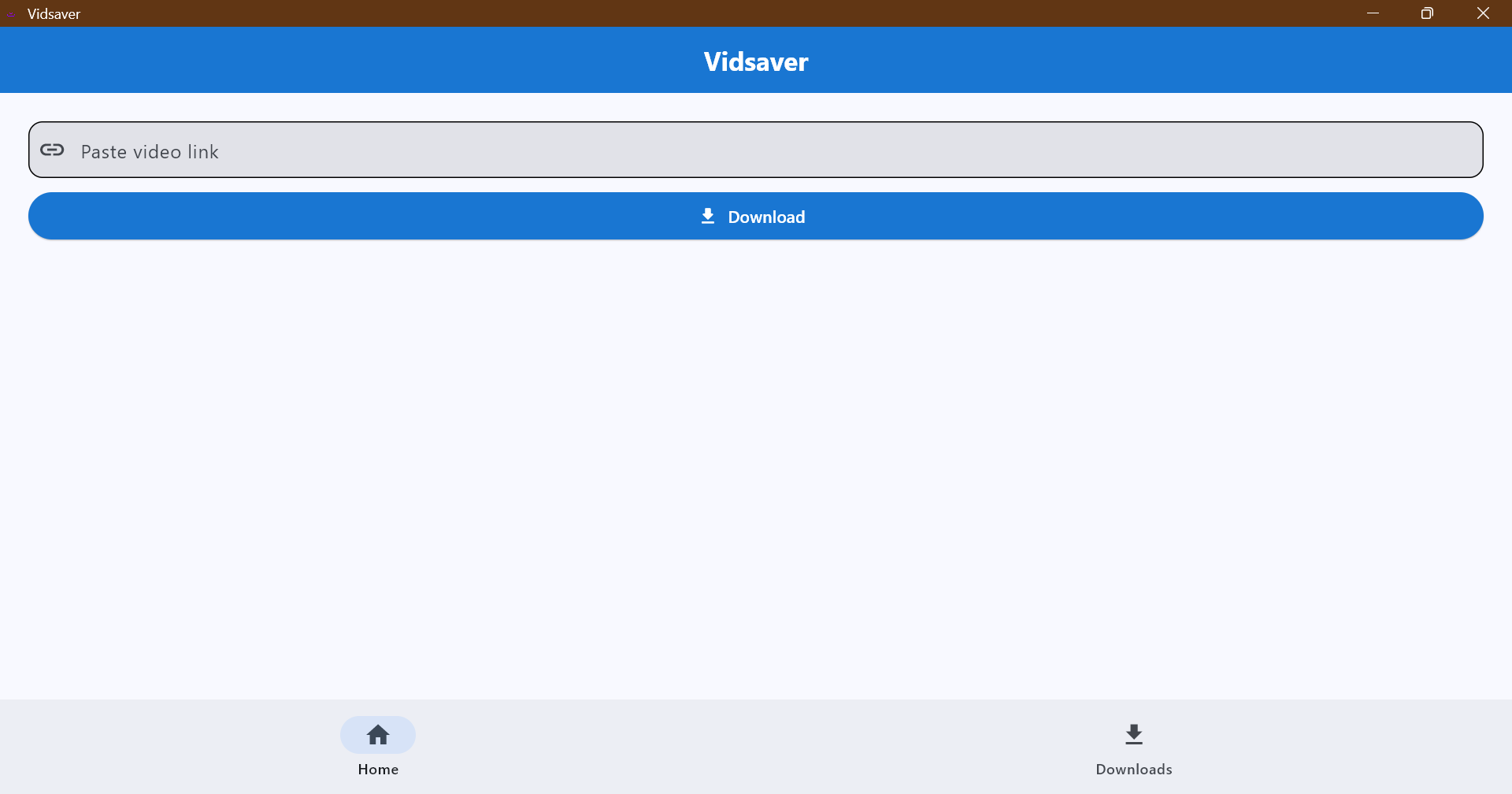
Vidsaver is a Flet-based video downloader for saving videos from supported social/video platforms to the device. It uses yt-dlp for download handling and provides a simple mobile/desktop UI for pasting a link, downloading, viewing saved videos, and deleting downloads.
README
Open on GitHub ↗Vidsaver
Vidsaver is a cross-platform video downloader built with Python 3.14 and Flet 1.0. It uses yt-dlp for download handling and provides a clean mobile/desktop UI for pasting a link, downloading, viewing saved videos, and deleting downloads.
Download TikTok and Instagram reels without watermark in Full HD.
Features
- Download videos from all platforms supported by
yt-dlp(TikTok, Instagram, YouTube, Twitter/X, Facebook, and more) - Android downloads are published through MediaStore to:
Movies/Vidsaver - Android videos appear in the Gallery without broad storage access or a media scan
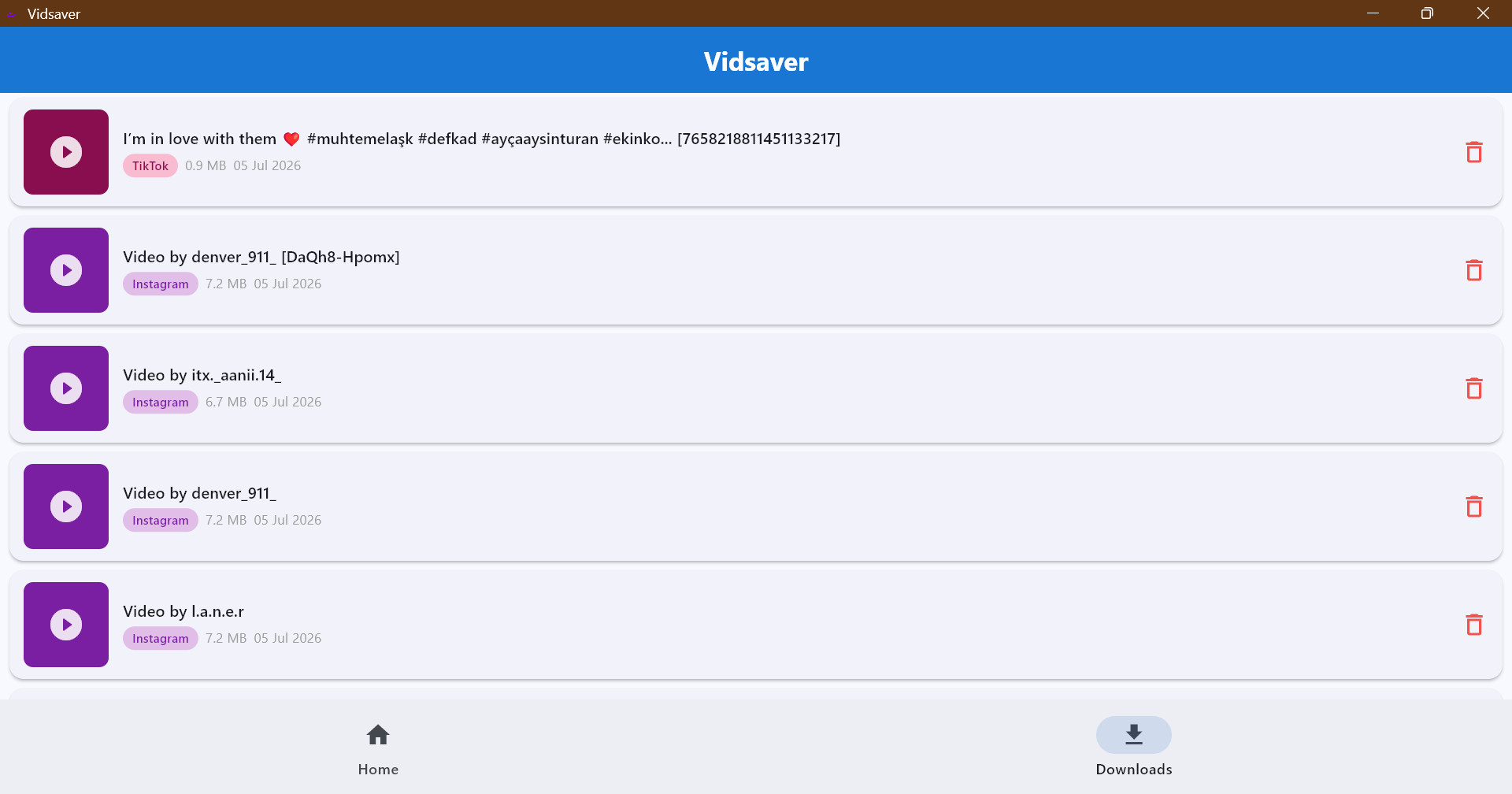
- Downloads library with video metadata, file size, platform chip, playback, and delete confirmation
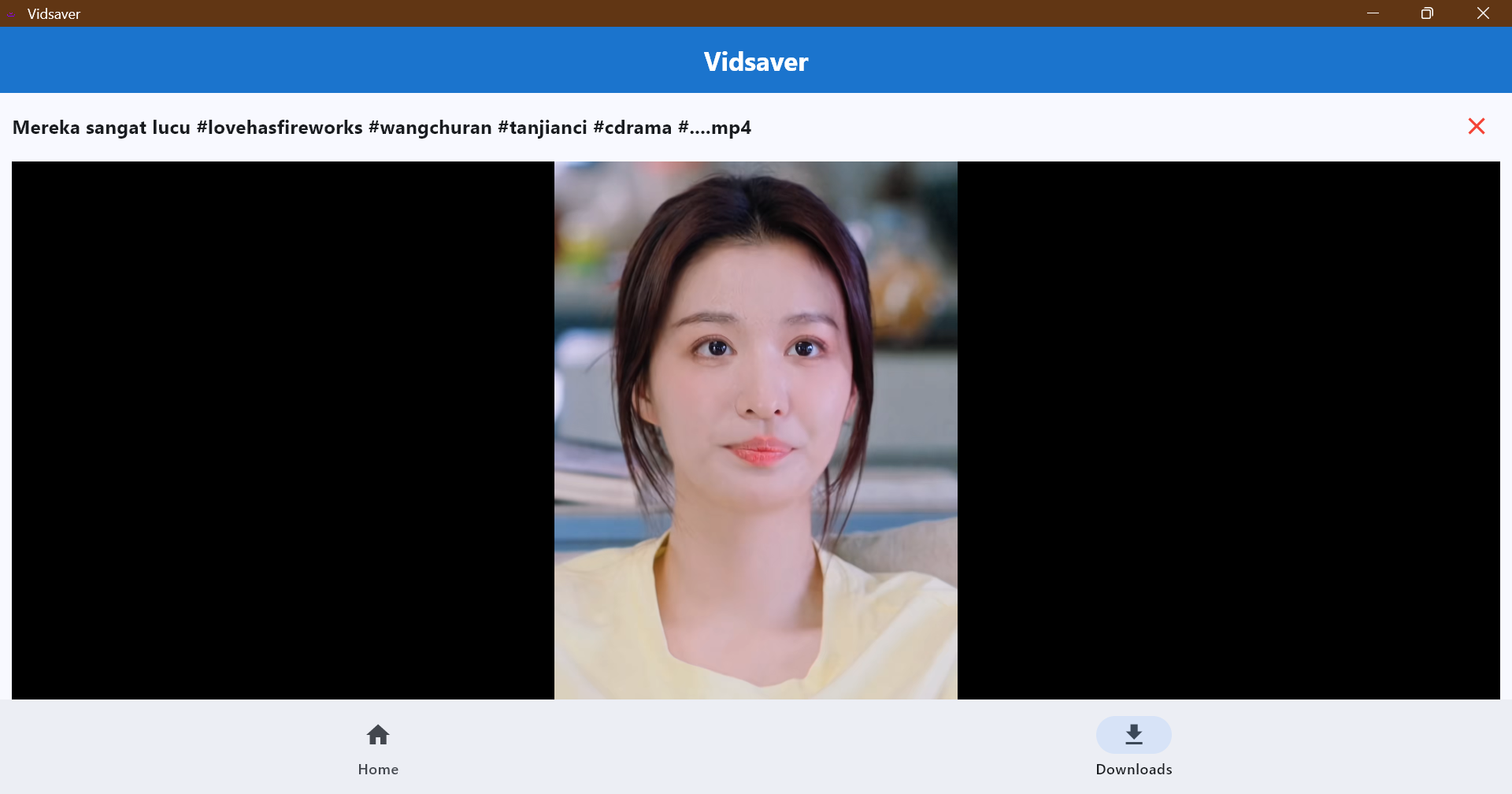
- Built-in video player powered by
flet-video - Clipboard auto-paste — opens the paste bar when a supported video link is in the clipboard
- Android APK release builds target
arm64-v8a - GitHub Releases attach:
Vidsaver-vX.Y.Z-Windows.zip              (portable — extract and run)
Vidsaver-vX.Y.Z-Windows-setup.exe        (Inno Setup installer — installs to C:\Program Files\Vidsaver)
Vidsaver-vX.Y.Z-Android-arm64-v8a.apk   (raw APK, direct sideload)
Vidsaver-vX.Y.Z-Android-arm64-v8a.zip   (compressed APK, extract then install)
Mobile Demo
Windows Demo
Tech Stack
- Python 3.14
- Flet 1.0
- flet-video 1.0
- flet-media-scanner 1.0.2 (custom PyPI extension)
- yt-dlp
- requests
- uv
Project Structure
.
|-- .github/workflows/
|   |-- all-builds.yml                        (Windows + Android CI/CD)
|   `-- generate-android-keystore.yml
|-- packages/
|   |-- flet-media-scanner/                   (custom Flet extension — published to PyPI)
|   `-- windows/
|       `-- installer.iss                     (Inno Setup script for Windows EXE installer)
|-- src/
|   |-- assets/
|   |   |-- icon.png
|   |   `-- splash_android.png
|   |-- cookies.txt
|   |-- downloader.py
|   |-- library.py
|   |-- main.py
|   `-- player.py
|-- pyproject.toml
`-- README.md
Run Locally
Install dependencies and run the app:
uv run flet run
Run as a web app:
uv run flet run --web
Android Permissions
The normal Android 13+ download flow does not request storage or media permissions. Vidsaver downloads into app-private staging storage, then publishes the finished video through Android MediaStore.
[tool.flet.android.permission]
"android.permission.INTERNET" = true
Build Locally
Android arm64 APK:
uv run flet build apk --split-per-abi --arch arm64-v8a --source-packages packages/flet-media-scanner --yes --verbose
Windows:
uv run flet build windows --source-packages packages/flet-media-scanner --yes --verbose
Build the Windows installer locally (requires Inno Setup):
ISCC.exe /DAppExe=vidsaver.exe /DAppVersion=1.3.3 /DAppArch=x64 packages\windows\installer.iss
GitHub Release Workflow
The main release workflow is:
.github/workflows/all-builds.yml
It runs only when a version tag is pushed:
git tag v1.4.1
git push origin v1.4.1
To delete a tag locally and remotely (if you need to recreate/re-tag):
git tag -d v1.4.1
git push origin :refs/tags/v1.4.1
Normal pushes to main do not trigger the release build.
The workflow builds and publishes:
| Target | Runner | Output |
|---|---|---|
| Windows | windows-latest |
Portable .zip + Inno Setup .exe installer |
| Android | ubuntu-latest |
Signed arm64-v8a .apk + .zip |
Windows Installer (CI)
After flet build windows, the workflow runs ISCC.exe with the script at packages/windows/installer.iss:
- Detects the
.exeflet produced automatically - Passes version from the Git tag via
/DAppVersion - Output:
Vidsaver-windows-x64-setup.exeinbuild/ - Installs to
C:\Program Files\Vidsaver(64-bit) - Creates Start Menu and optional Desktop shortcut
The release job refuses to publish an Android APK unless the filename contains:
arm64-v8a
This prevents accidentally uploading a mislabeled armeabi-v7a APK.
Android Signing
Stable Android signing is required if users should install new APK versions over old ones without uninstalling.
The release workflow expects these GitHub Actions secrets:
ANDROID_KEYSTORE_BASE64
ANDROID_KEYSTORE_PASSWORD
ANDROID_KEY_PASSWORD
ANDROID_KEY_ALIAS
The workflow decodes the keystore and signs the APK with:
--android-signing-key-store upload-keystore.jks
--android-signing-key-store-password "$ANDROID_KEYSTORE_PASSWORD"
--android-signing-key-password "$ANDROID_KEY_PASSWORD"
--android-signing-key-alias "$ANDROID_KEY_ALIAS"
If these secrets are missing, Android release builds fail intentionally instead of publishing a debug-signed APK.
Generate Android Keystore In GitHub
If you do not have Java, Android Studio, or Android tooling locally, use the manual workflow:
.github/workflows/generate-android-keystore.yml
Steps:
- Open GitHub Actions.
- Run
Generate Android Keystore Secret. - Keep the default alias as
vidsaver, or enter another alias. - Download the
android-keystore-github-secretsartifact. - Copy each value from
android-keystore-github-secrets.txtinto GitHub repository secrets:ANDROID_KEYSTORE_BASE64 ANDROID_KEYSTORE_PASSWORD ANDROID_KEY_PASSWORD ANDROID_KEY_ALIAS - Delete the artifact after copying the values. The workflow sets artifact retention to 1 day.
After this one-time setup, future release APKs are signed automatically with the same key.
Install And Update Notes
- Windows (Installer): Download
Vidsaver-vX.Y.Z-Windows-setup.exe→ double-click to install. Installs toC:\Program Files\Vidsaver, creates Start Menu shortcuts, and supports standard Windows uninstall. - Windows (Portable): Download
Windows.zip→ extract anywhere and runvidsaver.exe. No installation needed. - Android: Download
Android-arm64-v8a.apkfor direct sideload, orAndroid-arm64-v8a.zip(extract then install the.apkinside). - If an older version was installed from a wrong ABI, split APK, or different signing key, Android may show an install/package mismatch error. Uninstall the old app once, then install the new signed APK.
- After stable signing is configured, future APKs install over previous versions normally.
Download Behavior
When a link is submitted:
- The app shows an active progress bar immediately.
yt-dlpanalyzes the URL in a background thread (UI stays responsive).- Download progress updates the progress bar in real time.
- On Android, the finished file is published to MediaStore under
Movies/Vidsaver. - A snackbar confirms the download is complete.
Files are saved with the video's title as the filename — no platform IDs appended.
Cookies
src/cookies.txt is used by yt-dlp for sites that require cookies. Keep it updated if a platform starts blocking downloads or requires login/session data.
Troubleshooting
ModuleNotFoundError: certifi
Make sure the APK was built after certifi, charset-normalizer, idna, and urllib3 were added to pyproject.toml.
APK Installs As 32-bit
Use one of the Android release assets:
Vidsaver-vX.Y.Z-Android-arm64-v8a.apk   ← direct sideload
Vidsaver-vX.Y.Z-Android-arm64-v8a.zip   ← extract then install the .apk inside
The workflow fails if it cannot find an actual arm64-v8a APK.
New Version Will Not Install Over Old Version
Usually caused by a different signing key or a previous wrong ABI/split install. Configure stable signing secrets and uninstall the older build once if necessary.
Video Does Not Appear In Gallery
The app saves through MediaStore to Movies/Vidsaver. Some Gallery apps may take a short time to refresh their cache.
DeprecationWarning On Startup
All Flet 1.0 deprecations have been resolved. If you see any, check that you are running the latest main and that flet==1.0 is installed.
Useful Links
Crafted with care by Fazi Gondal