README
Open on GitHub ↗
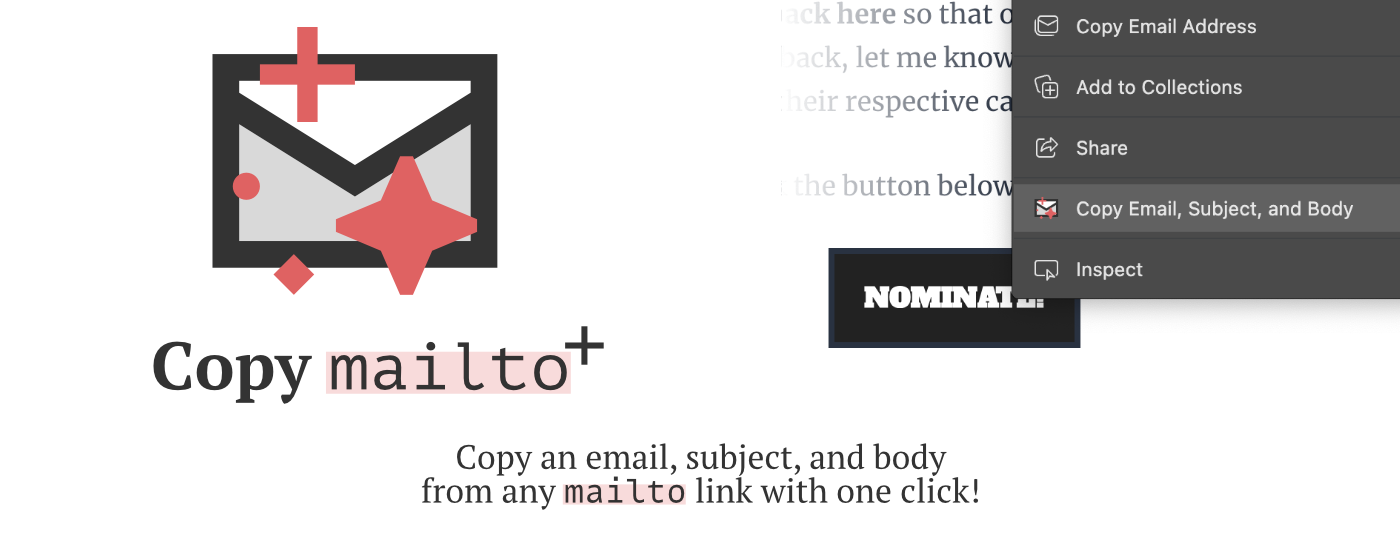
Copy mailto+
A free browser extension that makes copying email links painless ✨
Install options
⚡️ Install from the Chome Web Store
⚡️ Install from the Edge Add-ons store
How to use without any of that webstore nonsense
- Download/clone this repository
- On Edge, go to
edge://extensions, or on Chrome, go tochrome://extensions - Toggle on "Developer Mode"
- Click the "Load Unpacked" button
- Select the unzipped extension folder
- Look for the lil sparkly envelope icon (as seen in the image above), and make sure it's toggled on
- And you're installed! To test it, you can try a website (like this one, the "Nominate" button) that has a
mailtolink in it, right click the link, and select "Copy Email, Subject, and Body". - Voilà!