← BACK
resume-builder
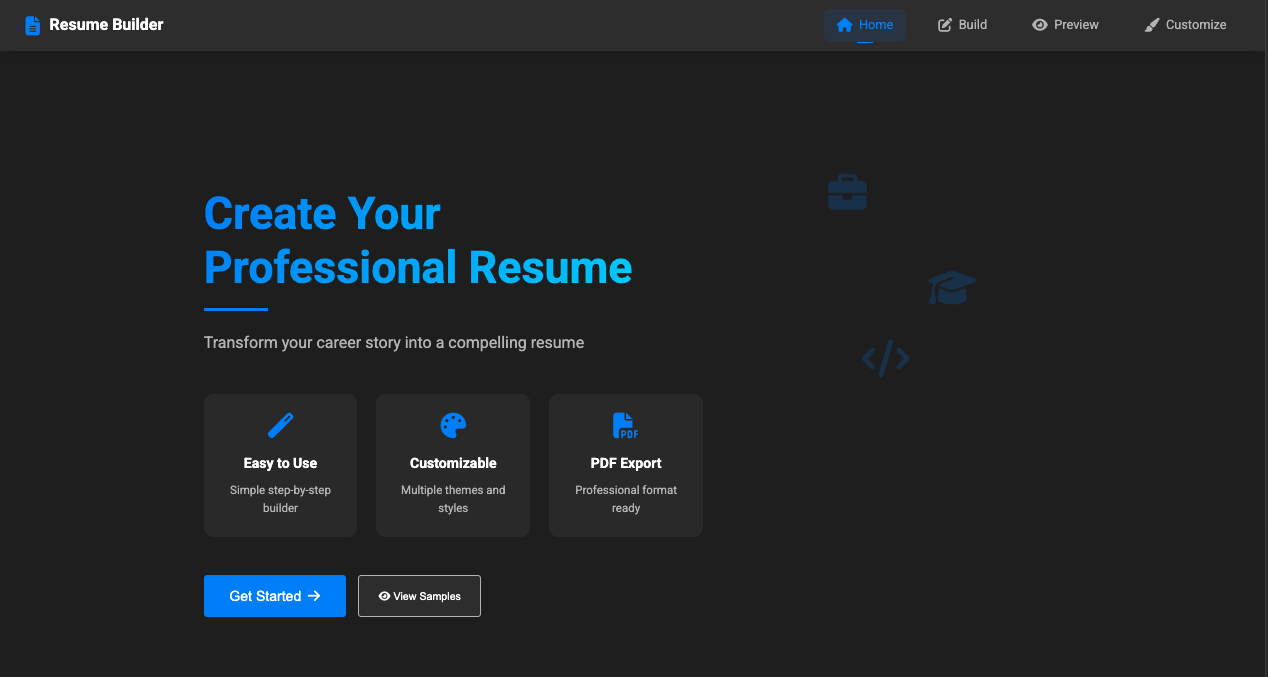
A modern, interactive web application for creating professional resumes with ease.
README
Open on GitHub ↗Resume Builder
A modern, interactive web application for creating professional resumes with ease.
🌟 Features
- Interactive Builder: Step-by-step resume creation process
- Real-time Preview: See changes as you type
- Multiple Templates: Choose from modern, classic, and minimal designs
- Customization:
- Color schemes and custom colors
- Typography options
- Layout spacing
- Drag-and-drop section reordering
- Export Options:
- High-quality PDF download
- Share via link or email
- Responsive Design: Works on all devices
- Auto-save: Never lose your progress
🚀 Getting Started
- Clone the repository:
git clone https://github.com/Ocdeed/resume-builder.git
- Open the project:
cd resume-builder
- Launch with a local server:
# Using Python
python -m http.server 8000

# Using Node.js
npx serve
- Open in your browser:
http://localhost:8000
🛠️ Technologies Used
- HTML5
- CSS3 (Custom properties, Flexbox, Grid)
- JavaScript (ES6+)
- Libraries:
- html2canvas
- jsPDF
- Font Awesome
📁 Project Structure
resume-builder/
├── assets/
│   └── templates/
├── styles/
│   ├── main.css
│   └── templates.css
├── js/
│   ├── app.js
│   ├── data.js
│   ├── templates.js
│   └── ui.js
└── index.html
🎨 Customization
Templates
- Modern (default)
- Classic
- Minimal
Color Schemes
- Professional (Blue)
- Creative (Green)
- Bold (Purple)
Typography
- Multiple font options for headings and body text
- Adjustable content spacing
💾 Data Storage
- Uses localStorage for auto-saving
- Export/import functionality for data backup
- Shareable resume links
🔧 Development
Prerequisites
- Modern web browser
- Basic understanding of HTML, CSS, and JavaScript
- Text editor (VS Code recommended)
Adding New Templates
- Create template in
js/templates.js - Add styles in
styles/templates.css - Register in the template selector
📄 License
MIT License - feel free to use for personal or commercial projects.
👤 Author
ocdeed codes
- GitHub: @ocdeedcodes
🤝 Contributing
- Fork the repository
- Create a feature branch
- Commit changes
- Push to the branch
- Open a pull request
🙏 Acknowledgments
- Font Awesome for icons
- Google Fonts for typography
- html2canvas and jsPDF for PDF generation
📝 Notes
- Tested on latest versions of Chrome, Firefox, and Safari
- Mobile-responsive design
- Continuous improvements and updates planned
Made with ❤️ by Ocdeed Codes